v1.0.0-beta.35
📌 Summary
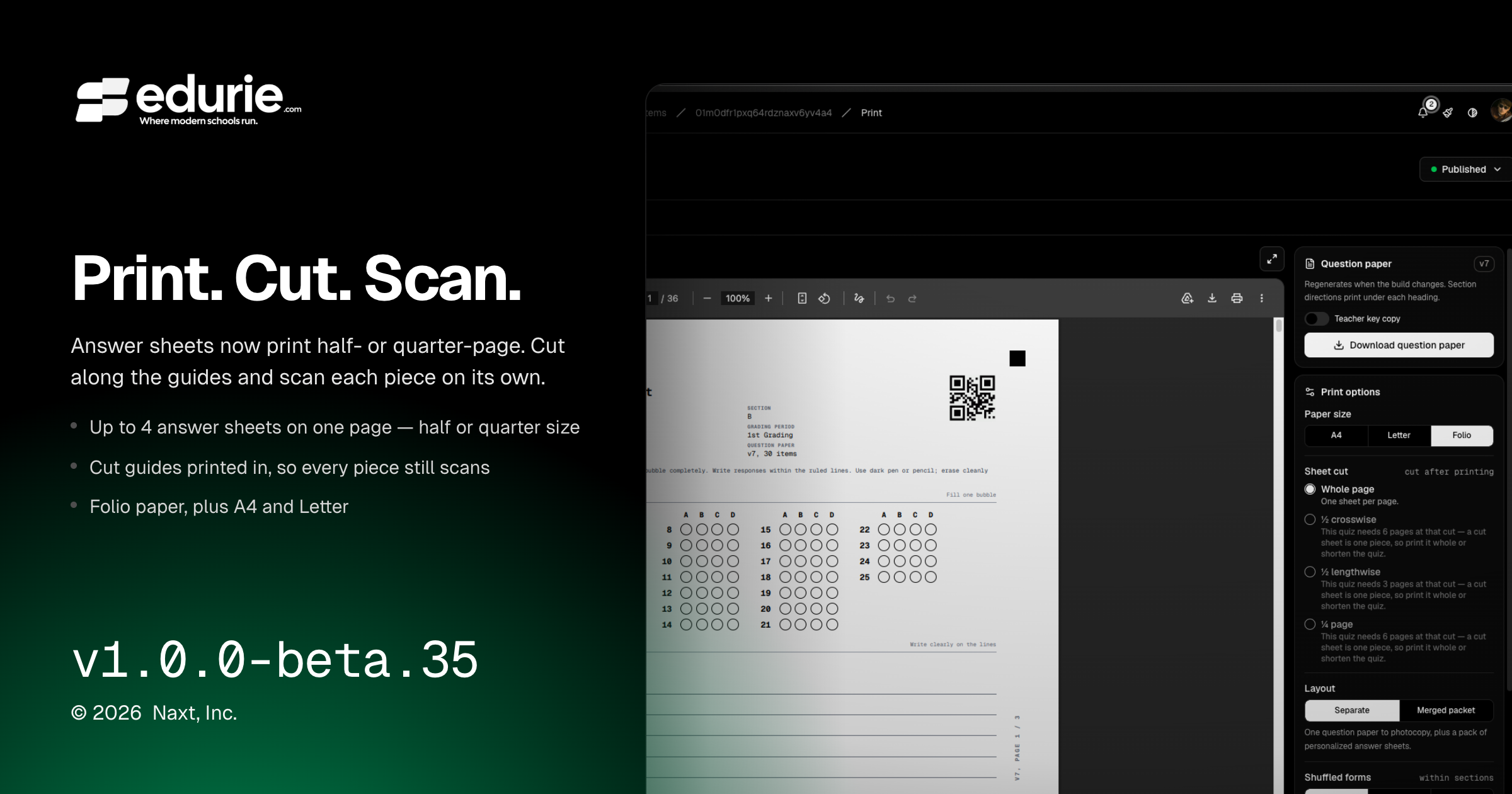
Teachers can now print assessment materials on Folio paper and choose compact sheet cuts such as half-page or quarter-page where the content fits.
Compact print packs now include cut guides and scanning guidance so each cut piece can be scanned on its own.
The assessment assistant now handles documents more naturally across multi-turn conversations, including long pasted text and follow-up document use.
Several grading, scanning, upload, and assistant reliability issues were resolved.
✨ What’s New
Gradebook
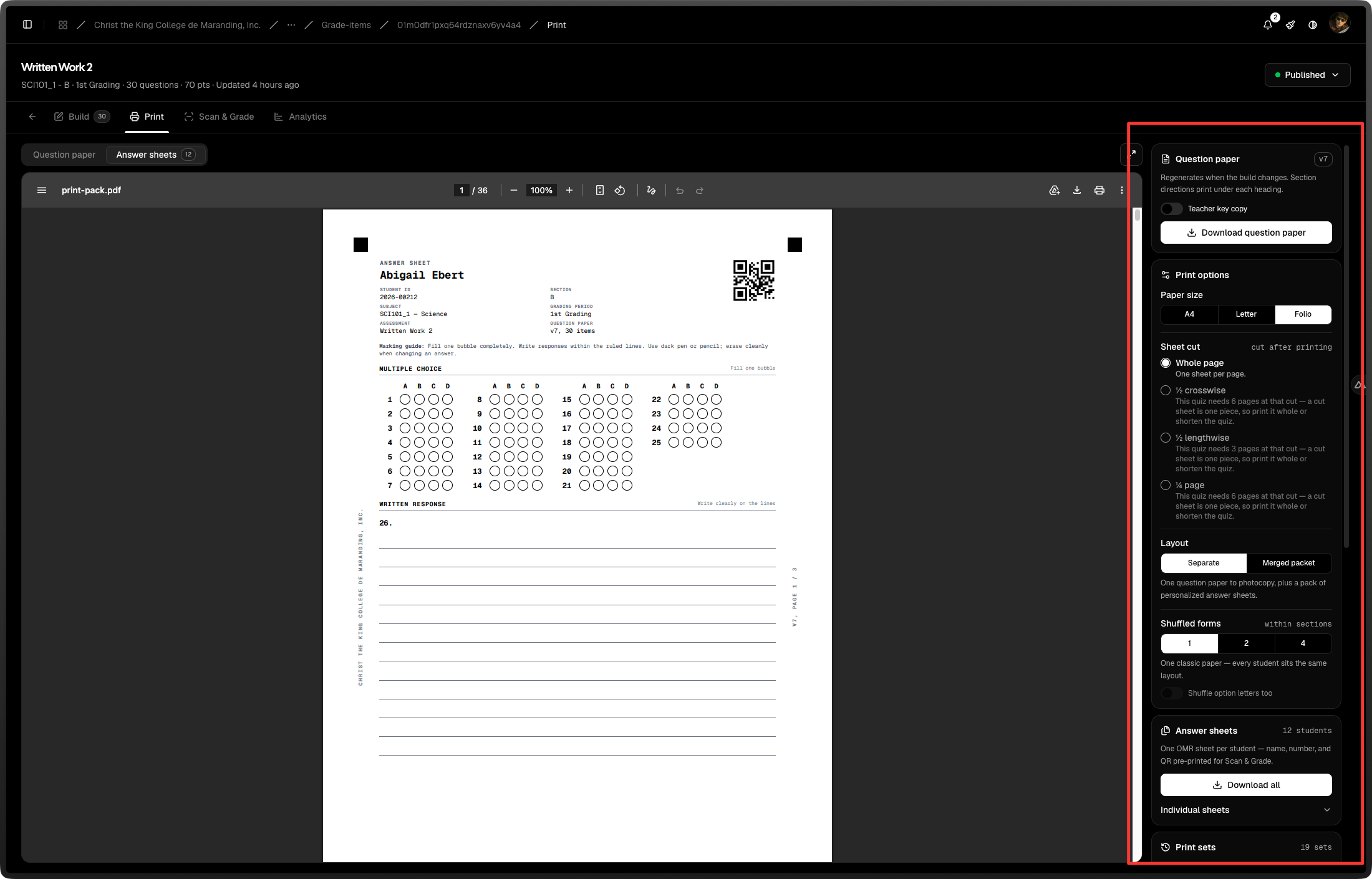
Teachers can now choose compact print layouts for assessment answer sheets, including half-page and quarter-page options when the assessment fits.
Printed compact materials now include cut guides, paper-savings information, and clear “cut before scanning” guidance.
Question papers and answer sheets now fit compact layouts together, with unavailable cut options disabled and explained before printing.
Folio / long bond paper is now available alongside A4 and Letter for generated question papers, answer sheets, and packets.
Cut answer-sheet pieces can now be scanned individually, supporting compact printed assessments end to end.
Assessment assistant
Attached documents can now remain available throughout an assistant conversation, so teachers can reuse them in follow-up prompts without starting over.
The assistant can automatically bring a retained document back into context when it needs it for a follow-up answer.
Large pasted text is now preserved as a “Pasted text” document chip instead of being silently clipped.
🛠 Improvements
Assessment assistant
The message composer now supports much longer typed or pasted prompts.
Document chips are simpler and cleaner: teachers can remove documents directly, while include behavior is handled automatically.
Multi-page paper extraction now provides clearer progress and error handling when a response takes too long or cannot complete.
Gradebook
Compact answer-sheet packs are organized so cut stacks remain in class order, making printing and scanning easier to manage.
🩹 Fixes
Gradebook
Fixed a Print screen state where editing an assessment could show “Sheets are out of date” without offering a way to regenerate them.
Fixed compact question papers so they are no longer treated like scannable answer sheets.
Assessment assistant
Fixed an issue where assistant responses could appear blank in production.
Fixed file attachment failures in the assessment assistant.
Fixed cases where long paper extraction could stop partway through without showing an error or saving the partial assistant response.
Scanning and uploads
Fixed scan upload and import failures that could incorrectly report missing files.
Improved scan extraction reliability for large uploaded pages so failed or timed-out processing is surfaced clearly instead of leaving the scan stuck.