v1.0.0-beta.38
📌 Summary
Teachers can now fine-tune which students are included when printing answer sheets for a class.
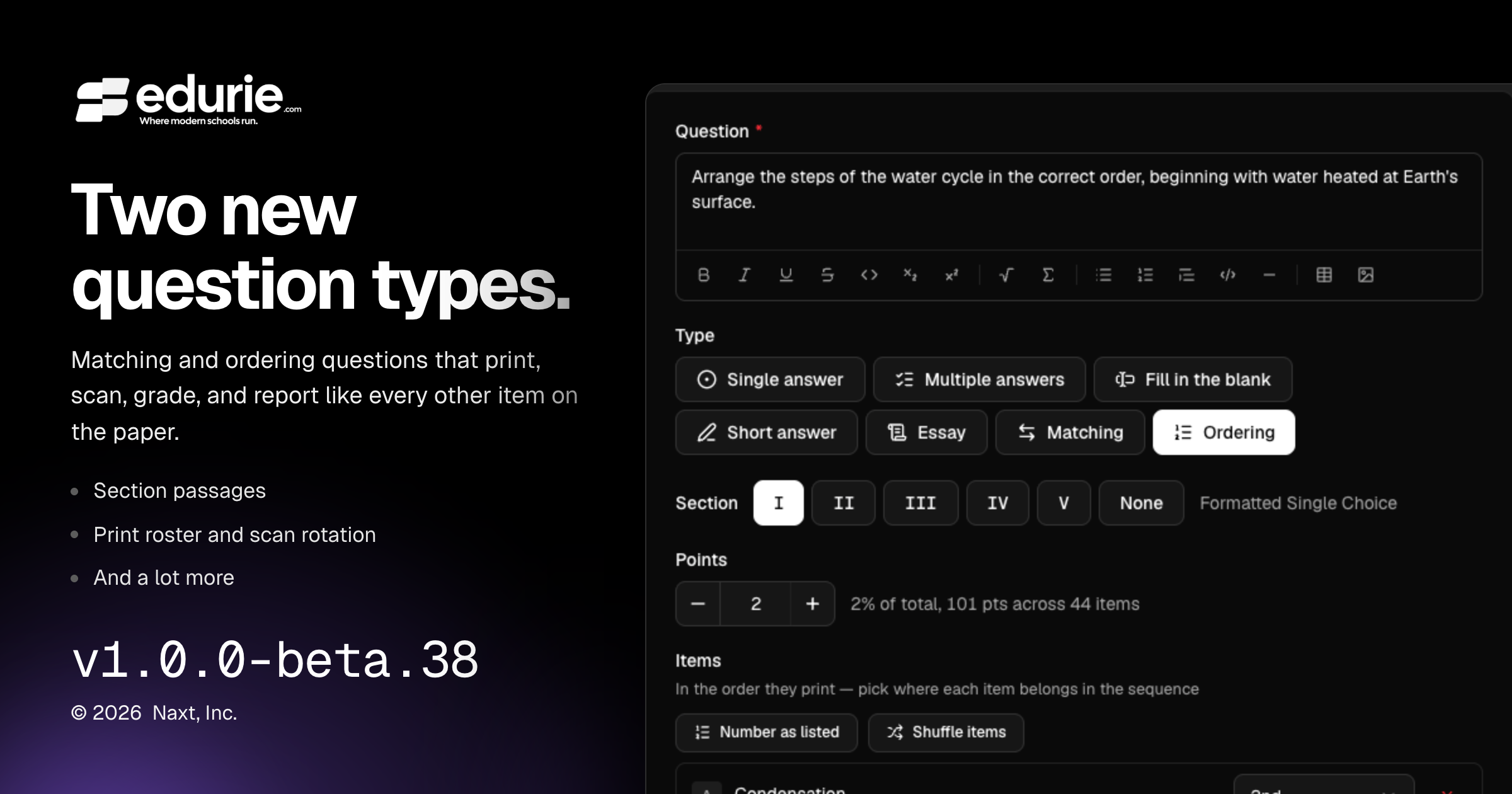
Assessments now support matching questions, ordering questions, and rich section passages.
Scan & Grade now makes it easier to correct rotated scans and review rich question content accurately.
✨ What’s New
Gradebook
Added Matching questions: students pair prompts with choices from a shared lettered bank, with support for printing, scanning, grading, review, and analytics.
Added Ordering questions: students arrange items into the correct sequence, with support for printing, scanning, grading, review, and analytics.
Added section passages so teachers can place shared reading text, figures, tables, or other rich content above a group of questions and include it on printed assessments and answer keys.
Added a Print roster on the Answer sheets card. Teachers can skip students who do not need printed sheets for a class, and that selection is remembered for future packs, previews, and counts.
Added scan rotation controls so teachers can turn a scanned page upright during triage or review and re-read answers from the corrected page.
🛠 Improvements
Gradebook
Review, sheet drawers, and analytics now show richer assessment content as it appeared on the printed paper, including math, code, figures, tables, passages, and model answers.
🩹 Fixes
No additional user-visible fixes were included in this release.