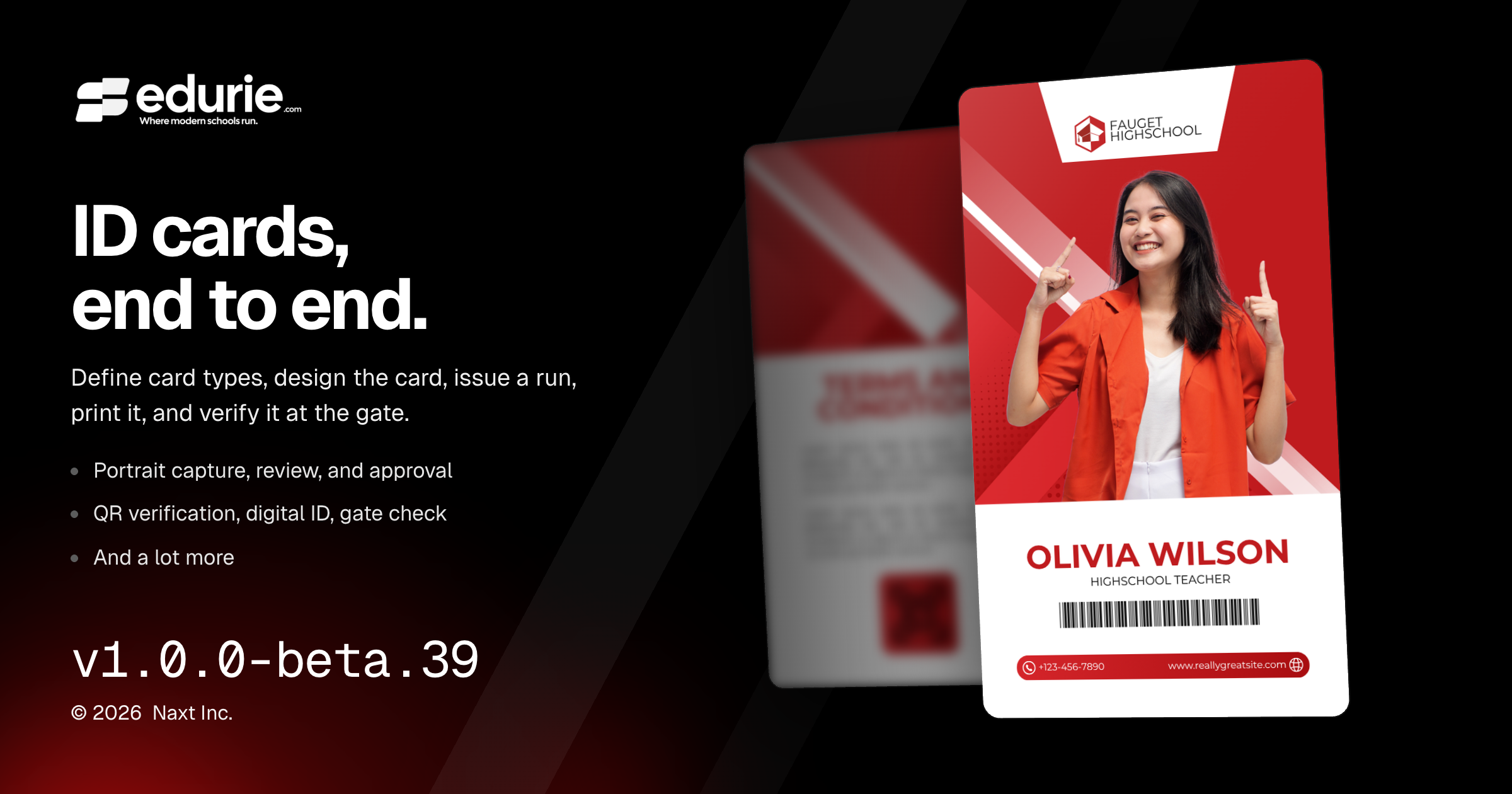
Introduced a full ID Cards workflow for configuring card types, designing cards, issuing cards, exporting bundles, printing, verification, digital IDs, and gate checks.
Added Portraits tools for capture, self-submission, photographer imports, review, approval, enhancement, and photo adjustments.
Improved consistency across dialogs and error states so common workflows are clearer and easier to recover from.
Fixed enrollment and ID card design issues that could block valid workflows or produce incorrect design behavior.
✨ What’s New
ID Cards
School admins can define card types such as Student, Instructor, Staff, and Alumni, including eligibility, validity, signatory office, card design, and uniform references.
Schools can use built-in card designs or upload their own finished artwork, then place member details, portraits, QR codes, signatures, and other fields on top of the design.
Registrars can create ID card runs, select members, check portrait readiness, and export a bundle for card apps or print shops.
Issued cards now support reprint, replace, and revoke workflows, with each card carrying a unique number and status.
Schools can print an individual card or selected cards directly from the browser using their own card printer.
Card QR codes can be verified publicly, members can view a digital ID on their phone, and staff can use Gate check to validate cards on site.
Portraits
Staff can capture portraits at a station, members can submit their own photos, and photographer files can be imported into one review workflow.
Reviewers can approve, reject, re-cut, and bulk-approve portraits before they are used on cards or in directory views.
Schools that opt in can enhance portraits with the school uniform and review the original and enhanced versions side by side before approval.
Enhanced portrait rendering can now be tailored by card type with a backdrop color and lighting preset.
Portrait capture and review now include exposure, warm–cool, and straightening controls, with an optional automatic correction setting for each school.
🛠 Improvements
Admin experience
Dialogs across the app now use more consistent titles, descriptions, Cancel buttons, and action labels for a clearer editing and confirmation experience.
🩹 Fixes
Academic records
Enrollments can now be created and edited without selecting a Program when the student is placed by academic level only.
Admin experience
Screens now show clear load-error messages with retry options when data cannot be loaded, instead of showing empty states, stalled pages, or blank editable forms.
ID Cards
Card design artwork handling is more reliable: required front artwork cannot be cleared accidentally, file type mismatches are rejected, landscape artwork displays correctly, and replacing artwork no longer risks losing the existing file if the new upload fails.
Teachers can now fine-tune which students are included when printing answer sheets for a class.
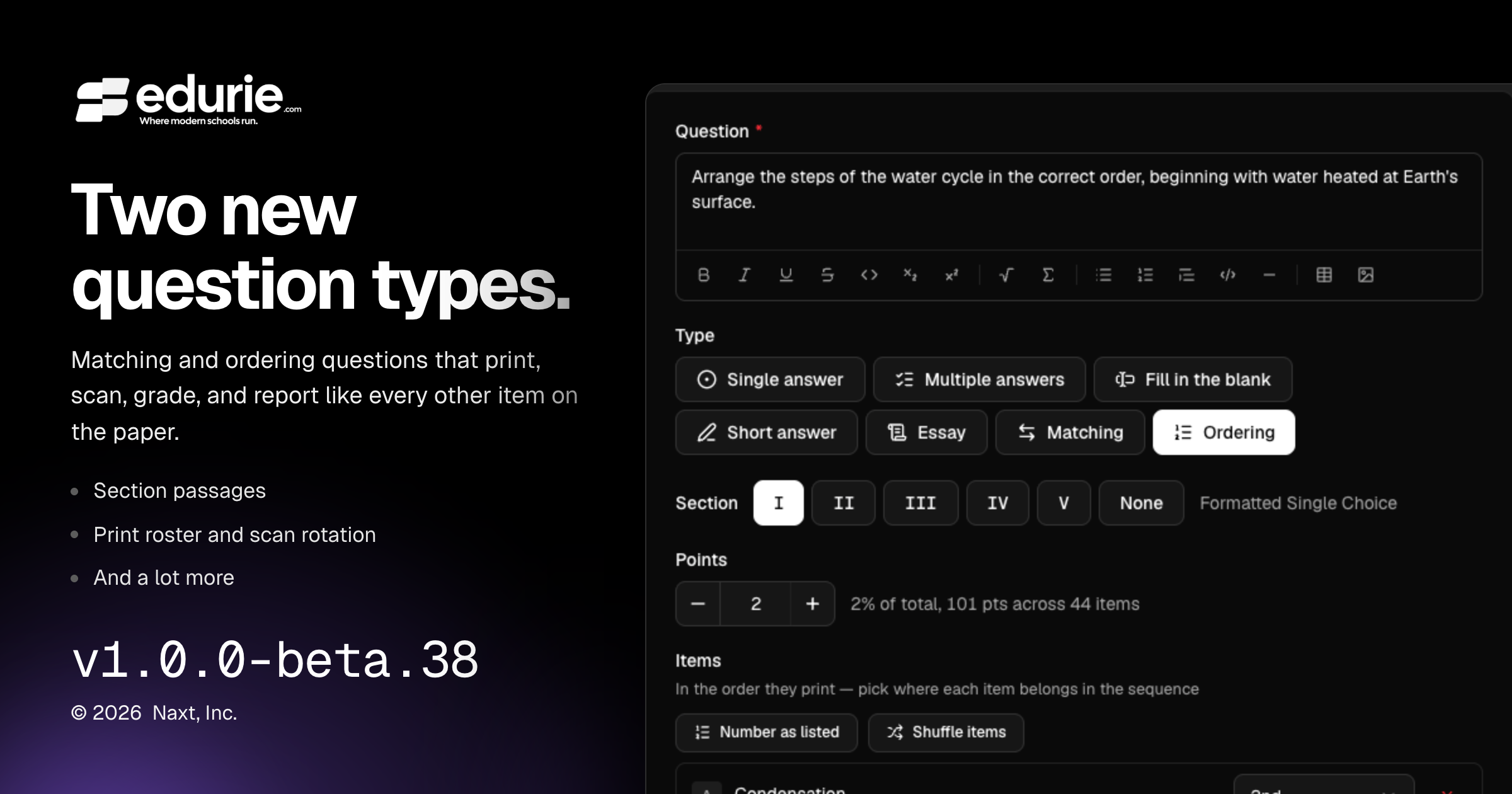
Assessments now support matching questions, ordering questions, and rich section passages.
Scan & Grade now makes it easier to correct rotated scans and review rich question content accurately.
✨ What’s New
Gradebook
Added Matching questions: students pair prompts with choices from a shared lettered bank, with support for printing, scanning, grading, review, and analytics.
Added Ordering questions: students arrange items into the correct sequence, with support for printing, scanning, grading, review, and analytics.
Added section passages so teachers can place shared reading text, figures, tables, or other rich content above a group of questions and include it on printed assessments and answer keys.
Added a Print roster on the Answer sheets card. Teachers can skip students who do not need printed sheets for a class, and that selection is remembered for future packs, previews, and counts.
Added scan rotation controls so teachers can turn a scanned page upright during triage or review and re-read answers from the corrected page.
🛠 Improvements
Gradebook
Review, sheet drawers, and analytics now show richer assessment content as it appeared on the printed paper, including math, code, figures, tables, passages, and model answers.
🩹 Fixes
No additional user-visible fixes were included in this release.
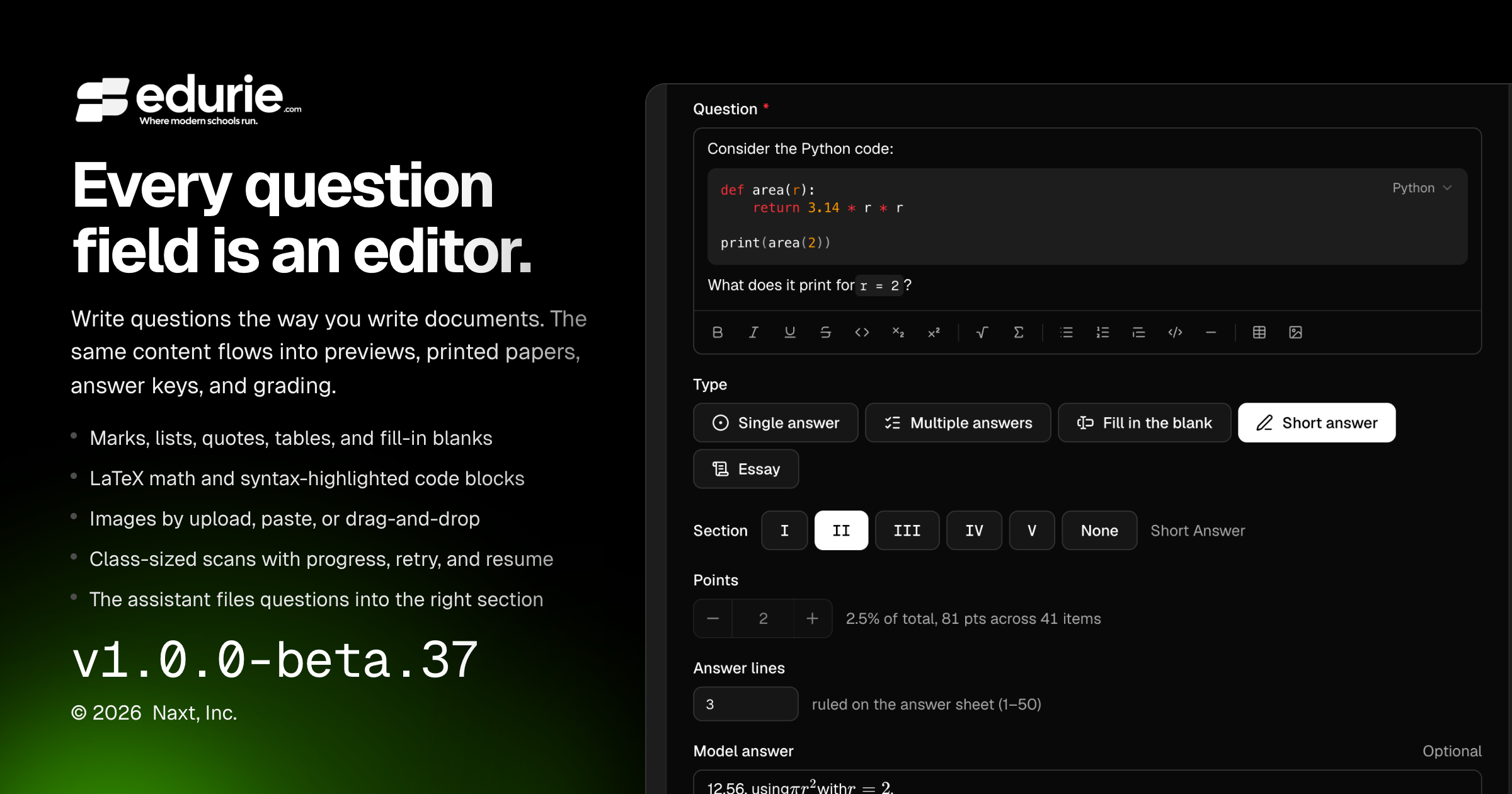
Assessment authors can create richer question content with formatted text, math, code, images, tables, blanks, and figures.
Teachers can now upload full-class scanned answer sheets with clearer page-based limits, progress, retry, and resume support.
The assistant now handles existing assessment sections more reliably when adding questions.
✨ What’s New
Gradebook & grading
Question prompts now support rich content, including formatted text, lists, block quotes, tables, blanks, math, and code.
Option labels and model answers can now include inline rich formatting where supported.
Teachers can add figures to question content by upload, paste, or drag-and-drop, with captions and size controls.
Rich question content, math, code, and figures now carry through previews, printed question papers, answer keys, assistant drafting, and grading workflows where relevant.
Teachers can upload larger class-sized scan files, including merged scans for an entire class.
Scan uploads now show per-file and batch progress, support retry and remove actions, and can resume large uploads after a dropped connection or page reload.
🛠 Improvements
Gradebook & grading
Scan upload limits now reflect the selected class’s roster and sheet layout, with clearer explanations of the page cap before processing starts.
The upload step now counts pages before uploading when possible, helping teachers catch oversized scan batches earlier.
Larger scan uploads now provide clearer validation messages for file, batch, and page-limit issues.
Code content now renders with more consistent syntax highlighting across authoring, preview, and printed materials.
🩹 Fixes
Gradebook & grading
Fixed an issue where the assistant could create duplicate section headings when adding questions to an assessment that already had sections.
Fixed assistant section filing so newly added questions are placed into the intended existing section more reliably, and unused empty headings from incomplete assistant turns are cleaned up.